
ExpressKeys is now on Mac and Firefox


ExpressKeys is now available as a dedicated macOS app, and our updated browser extension brings ExpressKeys to Firefox alongside Chrome, Edge, and Brave. The extension also has a refreshed interface.
Together, these updates give you more ways to access the vault you already use.
ExpressKeys on Mac and Firefox at a glance
- New macOS app: Access saved logins, secure notes, file attachments, and stored card details directly on your Mac.
- Firefox support: Access your saved logins and autofill them on matching websites.
- Refreshed extension: An updated interface for Chrome, Edge, and Brave.
- Same vault: Sign in with your existing account to access your saved items across supported devices and browsers.
A dedicated ExpressKeys app for Mac
ExpressKeys is now available as a dedicated macOS app. You can open ExpressKeys directly when you need to look up a saved login, check a secure note, access file attachments, or find your stored card details.
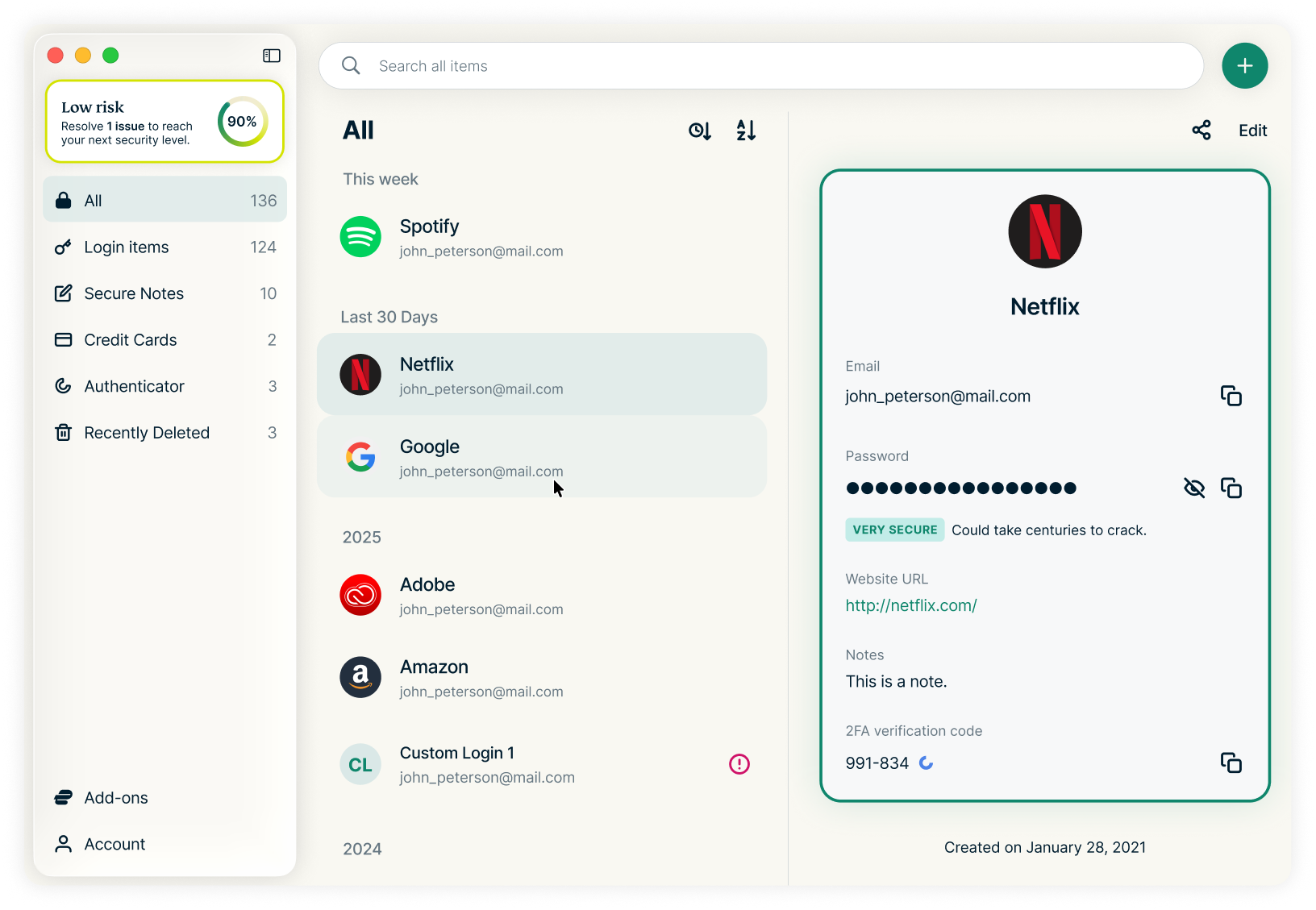
If you already use ExpressKeys, sign in with your existing account to access your vault. Your saved items sync across your devices, so there’s no need to import your passwords again when you start using the macOS app.
The macOS app works alongside the browser extension: use the app to access your vault directly and the extension to autofill logins as you browse.
Now available in Firefox
Firefox users can now bring ExpressKeys into their browser, too.
Install the ExpressKeys Firefox extension and sign in to access your saved logins and autofill them on matching websites. Whether Firefox is your everyday browser or one you use for specific tasks, you can use the same vault without saving another copy of your passwords in the browser.
Firefox joins Chrome, Edge, and Brave as a supported browser for ExpressKeys.
A refreshed browser extension
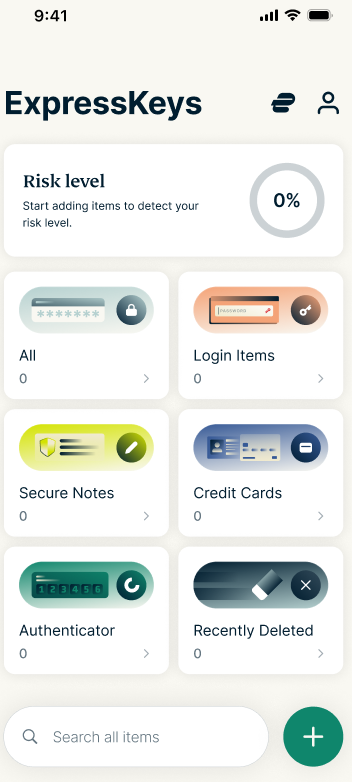
Alongside Firefox support, we’ve updated the ExpressKeys browser extension with a new interface that matches our mobile apps. Logins, credit cards, notes, and two-factor authentication (2FA) codes are more clearly organized and easier to access, with a familiar layout across your devices.
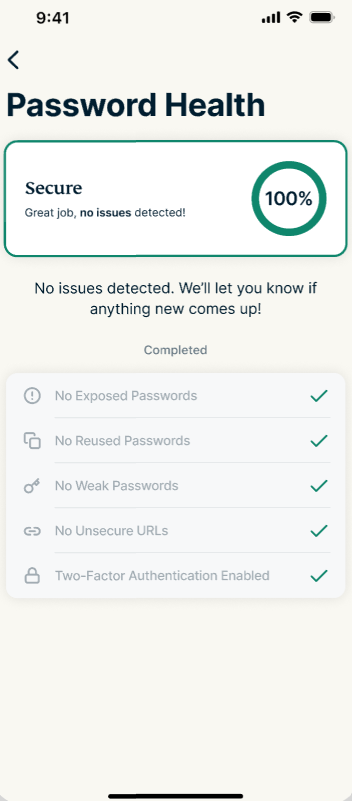
The updated extension now includes features previously only available in the mobile apps, like Password Health and the Recently Deleted folder. You can check for weak or compromised passwords and recover recently deleted items without switching to your phone.
Existing extension users will see the updated design once their extension is updated. Your saved items remain in your vault, so you can continue using ExpressKeys without setting it up again.
More ways to use the same vault
Mac and Firefox support build on a series of recent updates on ExpressKeys:
- Independently audited: Security firm Cure53 ran an independent security audit of the ExpressKeys apps with full source code access. It found no high- or critical-severity issues, and all findings were fixed and verified. Read about the audit.
- Passkeys: Generate, store, and manage passkeys alongside your passwords.
- Secure sharing: Share a login, card, or note through a link that can expire, require email verification, or work for one view only. You can revoke access at any time.
- Direct imports: Move passwords from Apple Passwords, Google Chrome, and other password managers using the Credential Exchange standard, with no plain-text export file.
- File attachments: Store documents, photos, videos, and other files with related vault items. Read the file attachments announcement.
With apps for iOS, Android, and now macOS, plus extensions for Chrome, Edge, Brave, and Firefox, you have more choice over where you use ExpressKeys.
Get started with ExpressKeys
Download ExpressKeys for your device or browser:
- macOS app
- iOS app
- Android app
- Browser extension for Chrome, Edge, and Brave
- Browser extension for Firefox
Already subscribed? Sign in with your existing account to access your vault. New to ExpressKeys? Subscribe through the macOS, iOS, or Android app, or get ExpressKeys with an ExpressVPN Advanced or Express Pro plan.