This guide will show you how to change or reset your vault password. If you do not remember your vault password, you can reset it with your recovery code by following the same steps below.
ExpressKeys Chrome extension:
- Install and set up the ExpressKeys Chrome extension.
- Click the ExpressKeys browser extension.
- If you remember your vault password: Click Options > Settings > Change vault password. Enter your existing vault password, then click Verify.
- If you do not remember your vault password: Click Forgot Vault Password? > Use Recovery Code.
- Follow the instructions.
ExpressKeys app for Android or iOS:
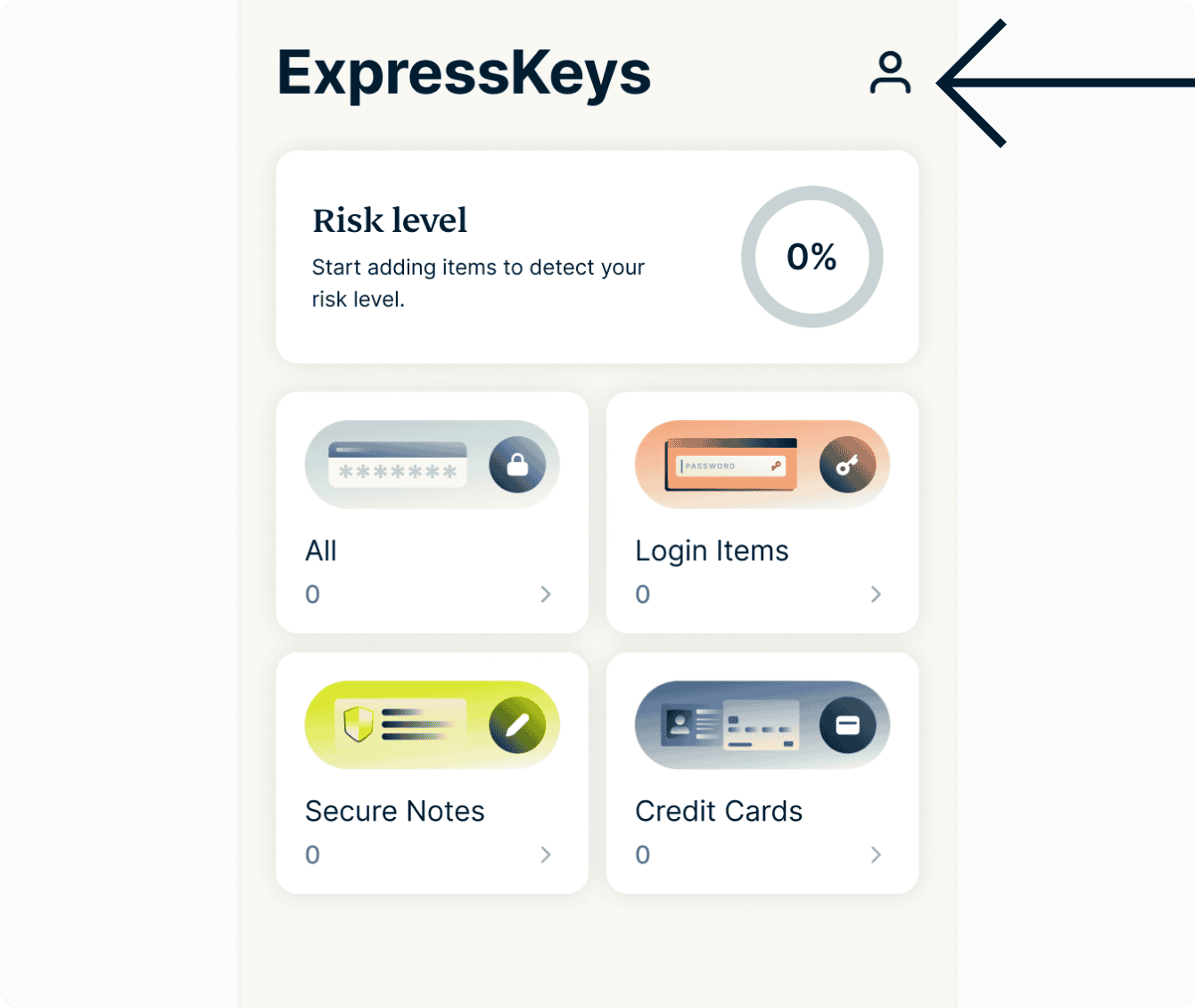
- In the app, tap

 .
.

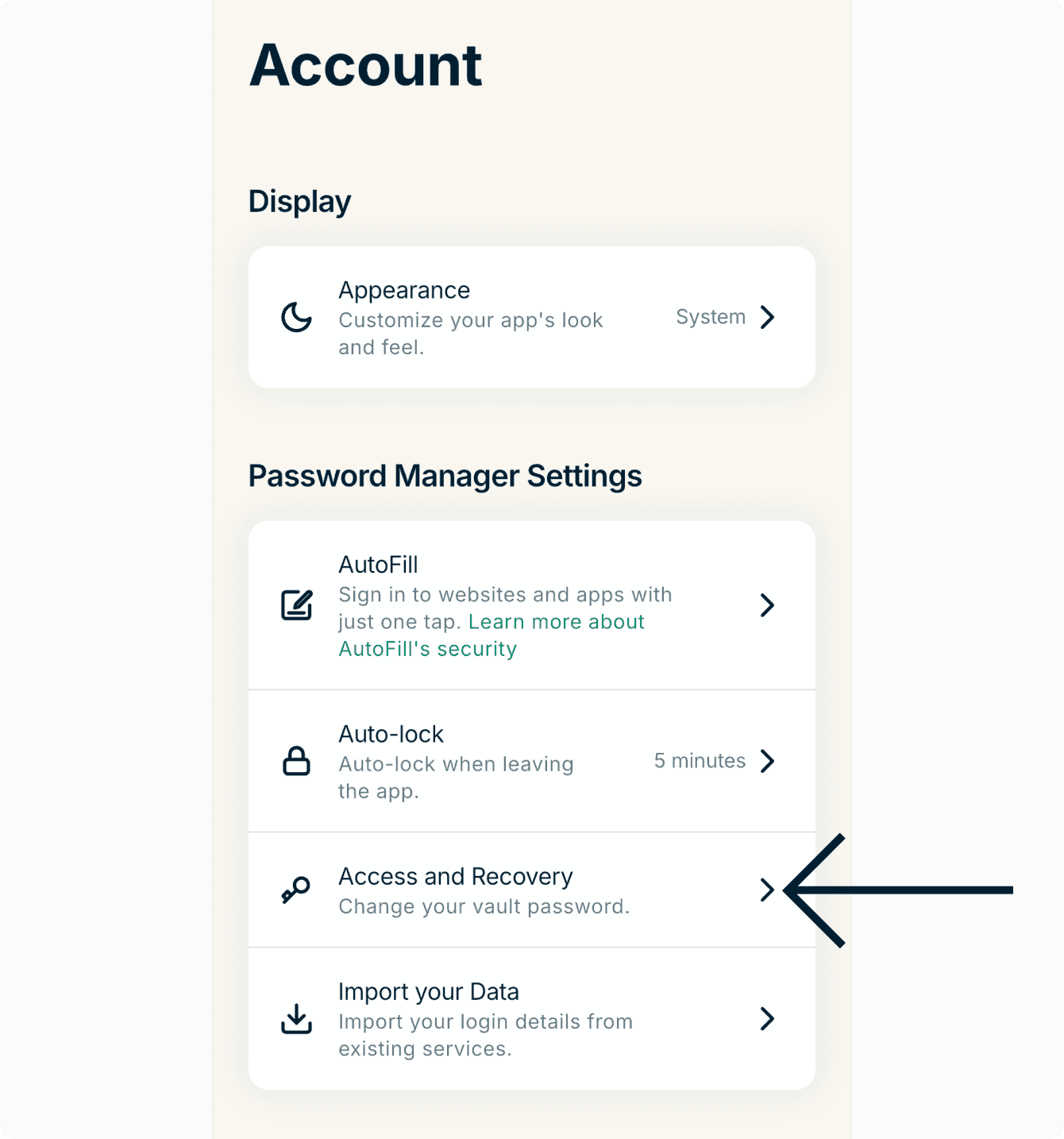
- Tap Access and Recovery.

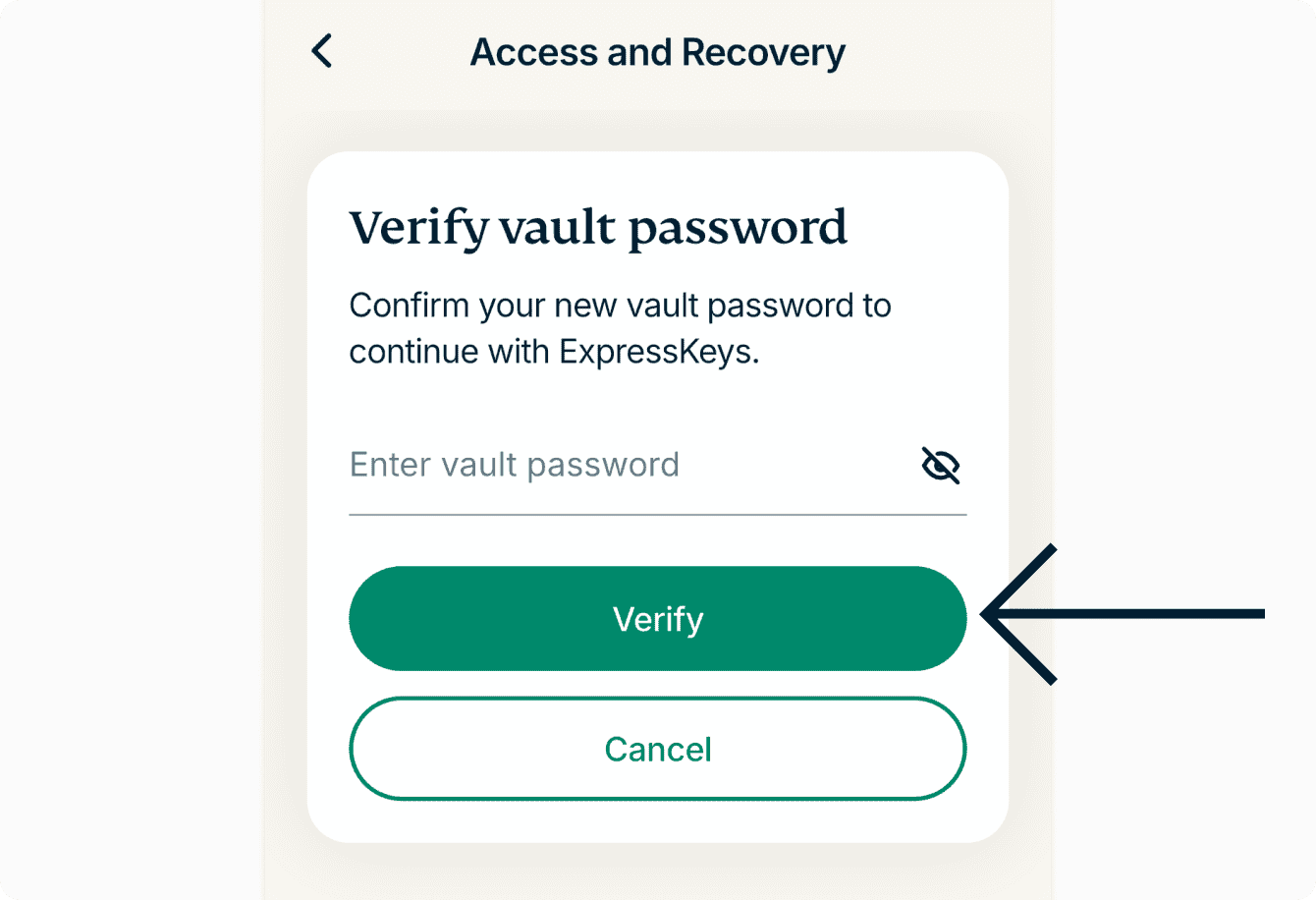
- If you remember your vault password: Enter the vault password, then tap Verify.

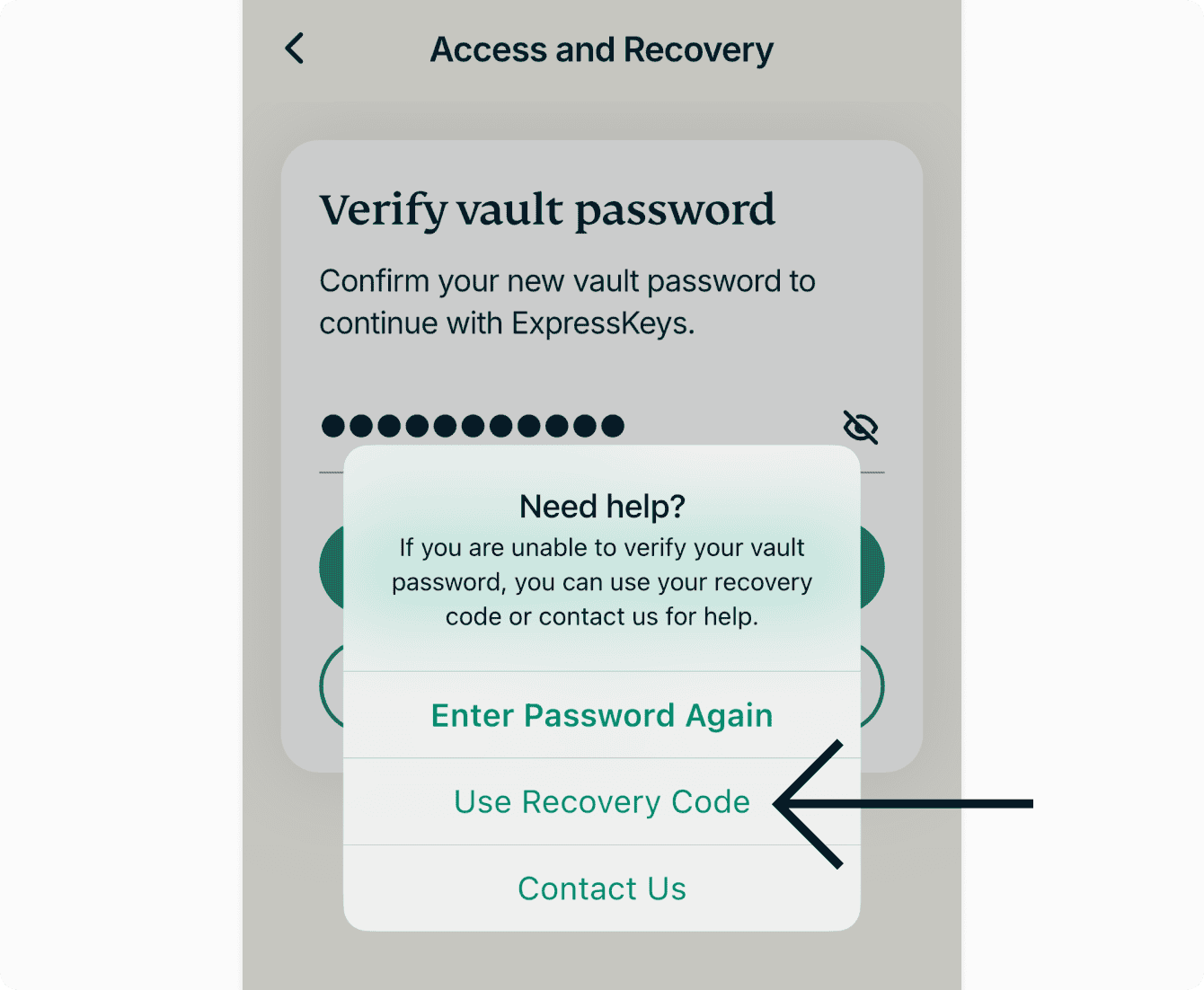
- If you do not remember your vault password, enter your password incorrectly, then tap Use Recovery Code. Enter your recovery code, then tap CONTINUE.

- If you remember your vault password: Enter the vault password, then tap Verify.
- Tap Change Vault Password.


- Enter and re-etner your new vault password, then tap Set Vault Password.


Need help? Contact our Support Team for immediate assistance.